
What Is a Digital Food Bible and Why Every Restaurant Needs One
By Janos Laszlo
- digital food bible
- menu training
- staff knowledge
- restaurant training
- food and drink
- hospitality technology
Quick Summary
- A digital food bible is the structured, phone-based replacement for the printed or PDF menu manual covering every dish, cocktail, and wine.
- Paper and PDF versions tend to fail for the same reasons: hard to create, instantly out of date, and impossible to keep in staff hands.
- A digital version is built to a professional framework, updates instantly, and notifies the right staff automatically when the menu changes.
- AI-generated quizzes turn the bible from a reference document into menu knowledge you can actually measure.
- The venue owns everything: content, data, and IP stay with the restaurant, with downloads and screenshots blocked.
If there is one training document almost every restaurant has, it is the food bible. The menu manual. The document that tells staff what is in each dish, how to describe it, and what to say when a guest asks. It exists because the menu is one of the most important things a restaurant trains its people on: few things shape service more, or matter more to whether a guest trusts the person serving them. When a guest asks a question, the answer cannot be “I don’t know, let me check.”
Yet for all its importance, the food bible is often one of the hardest documents a restaurant maintains. This guide explains what a digital food bible for restaurants actually is, how it replaces the paper or PDF version most venues struggle with, and why digital menu training has become one of the fastest ways to build staff menu knowledge.
What Is a Digital Food Bible?
A digital food bible is the modern replacement for the printed or PDF menu manual that restaurants use to train staff on their food, cocktails, and wine. In practice, it is usually three things, a digital food bible, a digital cocktail bible, and a digital wine bible, sometimes simply called digital food descriptions. Each one holds a full, structured description of every item on the menu, built to teach staff, not just to list ingredients.
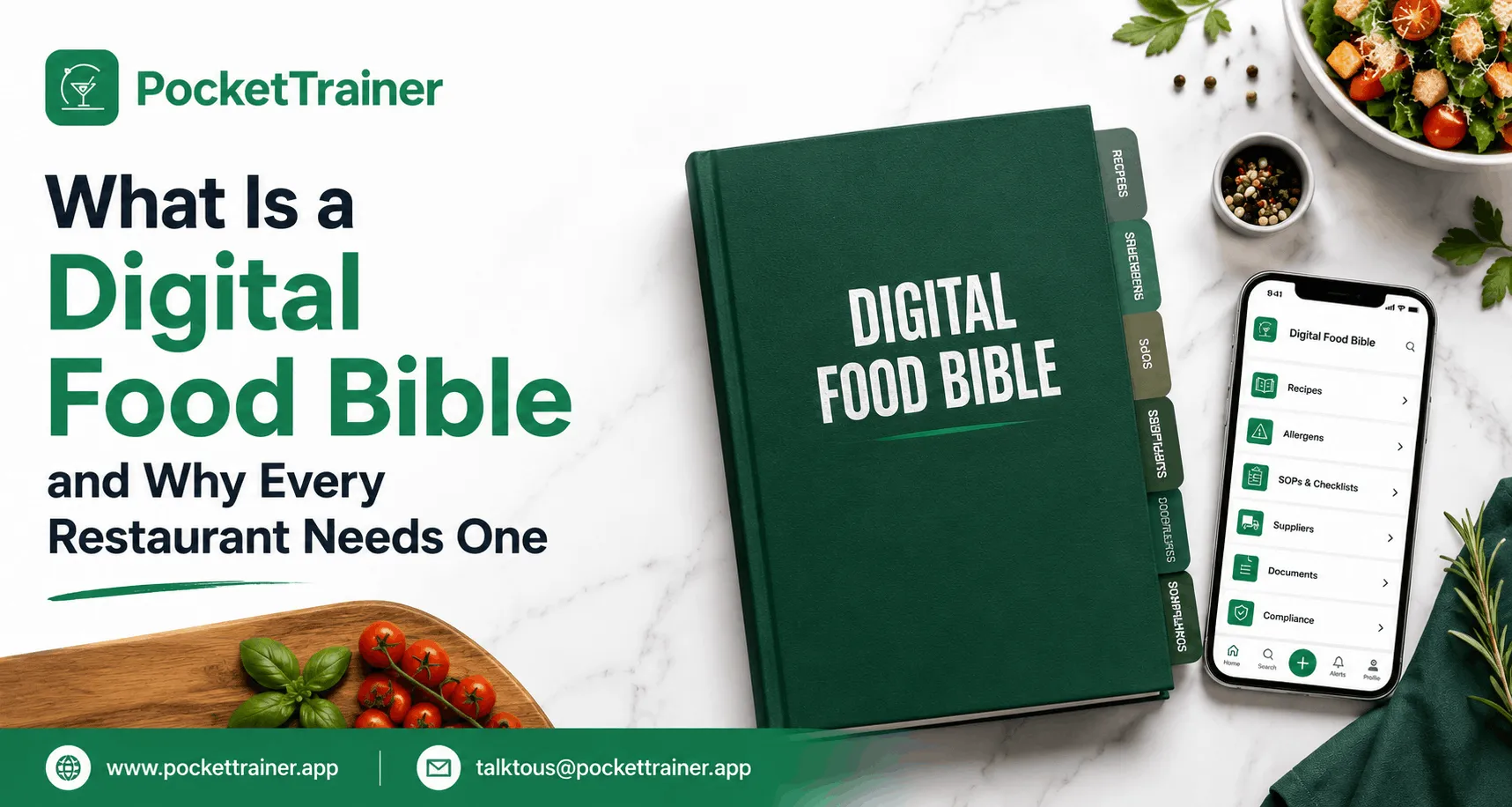
For a single dish, that means the name, a photo, a suggested way to announce it at the table, the full ingredient list, how it is prepared, the allergens it contains, and service details. Think of it as a much richer version of the QR-code menu a guest sees, built specifically for the people who have to know the menu inside out. The same applies to every cocktail and every wine, each with the information a server or bartender needs to describe it and answer for it confidently.
How Pocket Trainer Turns the Food Bible Into a Working Training Tool
Pocket Trainer turns the digital food bible into a live menu knowledge system for hospitality teams. Managers can keep food, cocktail and wine information in one place, update it when dishes or ingredients change, and give staff access to the current version from their phones.
See how Pocket Trainer’s Digital Food Bible works → Hospitality LMS
What Is a Digital Food Bible App in a Restaurant?
A digital food bible app is a structured, digital library of every dish, cocktail, and wine a restaurant serves, designed to train staff on the menu. It replaces the paper or PDF menu manual restaurants traditionally use, holding each item’s name, image, description, ingredients, preparation, allergens, and service notes in one place staff can access on their phone. Unlike a static document, it can be updated instantly, shared automatically with the right staff, and used to generate quizzes that test menu knowledge. It exists because the menu sits at the heart of what a restaurant trains its team on, and in Pocket Trainer, it is consistently among the most-used features.
The Problem It Solves Is Bigger Than It Looks
Almost every restaurant tries to keep a food bible, and a great many struggle, not because they do not care. They struggle because the document is genuinely hard to maintain and even harder to keep in front of staff.
Start with the sheer volume of information. A menu has many dishes, each with multiple ingredients, hidden allergens, and preparation details, and the same is true of every cocktail and wine. Someone has to collect all of that, sit at a computer in the office, and turn it into a usable document. Then the menu changes. A dish comes off, a supplier changes, an ingredient is swapped, and the document is out of date the moment it is printed. It is common for venues to discover a forgotten ingredient or an unlisted allergen after the fact, even though UK food law requires the 14 allergens to be declared whenever they are present. Very often, there end up being multiple conflicting versions of the same restaurant food bible, and nobody is sure which is current.
Then comes the sharing problem, which is worse. Once you have printed a nice menu book, what happens when one dish changes? You cannot reprint the book for one change, and you cannot slot a loose page into it. So the paper gets wrinkled, lost, left in a locker or a pocket, or the document gets shared once in a WhatsApp group and is never found again. The information exists, but it is not reliably in the hands of the people who need it, updated, on the shift they need it.
There is a skills gap on top of all this. Many managers do not actually know how to write a good training description of a dish: what to include, how to format it, what a waiter genuinely needs to know versus what is noise. So even the venues that maintain a bible often produce something inconsistent.
How does a Digital Food Bible Work?
A digital food bible solves each of those problems directly, and it starts by making creation easy rather than expert.
When a manager creates a dish in Pocket Trainer, the platform provides a framework, a guide designed with dozens of F&B professionals, that tells them exactly what staff should know about a food dish, a cocktail, or a wine. The manager simply fills in the required information, and the platform formats it into a clean, consistent description built for staff to learn from. It turns writing a training description for a skill into a form. And because it lives on the phone, a manager no longer has to go to the office: they can stand next to the head chef, get the detail, and build the description on the spot.
Updating is instant, and so is sharing. When something changes, a new dish, a new cocktail photographed and uploaded on the spot, the update goes out digitally, with automated notifications sent to each staff member according to their role, so the person who needs to know about a dish change is told, rather than left to find a document. There is no reprinting, no loose pages, no lost WhatsApp file.
“The cocktail guide. If we create a new cocktail I take a picture on the spot, I upload all the information, staff gets notified instantly.” :Sany Bacsi, Global Bar Manager, COYA
The menu information has its own dedicated module on the platform, separate from the courses, available any time, a food and drink training app in the staff member’s pocket before service, during service, or whenever they need to check.
This is digital menu training in its simplest form: one current version, on every phone, with the right people notified the moment anything changes.
If you want to see how a digital food bible is built and shared,
Book a 15-minute demoThe AI Quiz Feature: Knowledge You Can Actually Test
Building the descriptions is only half the job. Knowing whether staff have actually learned them is the other half, and it is where staff menu knowledge training most often falls down.
Pocket Trainer’s AI quiz feature is built for exactly this. A manager can select an entire menu category (food, cocktail, or wine), a document, or pasted text and ask the platform to generate quiz questions from it in seconds. This matters because writing good quiz questions about a menu is genuinely hard: you need real knowledge of the dishes and an understanding of how to ask a fair question. Doing it by hand, on top of writing the descriptions, is a double time-sink most managers never get to. Generating a quiz automatically from the menu content the manager has already built removes that barrier entirely and turns a static bible into something you can test people on.
Venues that run this well make testing a rhythm rather than an event, a food of the week, a wine of the week, a monthly quiz, the pattern behind how LPM built a training culture its staff actually use. That habit is also where menu knowledge starts paying for itself: menu training software can lift check averages because staff who know the menu tend to recommend more, and recommend better.
How Do You Train Restaurant Staff on the Menu Quickly?
You train staff on the menu quickly by holding all menu information in one structured, digital place and testing it with targeted quizzes. Instead of a paper manual that goes out of date, a digital food bible keeps every dish, cocktail and wine description current and accessible on staff phones, with updates pushed automatically to the relevant people. Because the descriptions are built to a consistent framework, staff learn faster, and managers spend less time writing them. Generating quizzes directly from the menu content then confirms who actually knows it, so menu knowledge becomes something you can measure rather than assume.
Who Builds It, and Who Owns It?
For most venues, the digital food bible is built collaboratively during onboarding. A restaurant sends whatever it already has, in any format, and Pocket Trainer’s learning and development managers build the digital version, drawing on real expertise in how these should be structured, the same team behind Pocket Trainer’s custom training content service. Where a venue does not have all the information, Pocket Trainer builds what it can, and the management completes it. From there, the management maintains it, easily from their phones.
Ownership sits entirely with the client, which makes this a restaurant knowledge management decision as much as a training one. The venue owns its content, the data is held on allocated cloud storage per client, an NDA is in place, and after onboarding, Pocket Trainer removes itself from the platform so the client manages their own data. There is also a control benefit that paper never offered, because the bible is digital rather than printed, the business keeps far tighter control of its intellectual property. Nothing is floating around as a printed book, screenshots are blocked on the platform, and only the relevant staff can access information about menu items. Your menu, which is genuine IP, stays yours and stays contained.
The Takeaway
A digital food bible is the structured, digital replacement for the paper or PDF menu manual almost every restaurant tries to keep, and many struggle to maintain. It holds every dish, cocktail, and wine in a consistent, learnable format, lets managers build and update it from their phones using a professional framework, pushes changes automatically to the right staff, generates quizzes so knowledge can be tested, and keeps the whole thing contained as protected IP. Because the menu is at the heart of what every restaurant trains staff on, the digital food bible is consistently among the most-used features of a hospitality LMS, and one of the fastest ways to turn menu knowledge from a hope into a standard.
If you want to see what a digital food bible could do for your menu training.
Book a 15-minute demoor read more about the hospitality LMS it lives on and the custom training content service that helps build it.
FAQs
1. What is the difference between a food bible and a digital food bible?
A food bible is the traditional printed or PDF menu manual describing every dish, cocktail, and wine; a digital food bible holds the same information as a structured, phone-accessible library. The difference is operational, the digital version updates instantly, notifies the right staff automatically, generates quizzes, and never exists in conflicting versions.
2. Does a digital food bible include allergen information?
Yes. Each dish entry holds the allergens it contains alongside its ingredients, preparation and service details, so staff can check allergen information for any menu item on their phone before or during service. The description framework treats allergens as required information, not an optional extra.
3. Who creates the content in a digital food bible?
For most venues, it is built collaboratively during onboarding; the restaurant sends whatever it already has, in any format, and Pocket Trainer’s learning and development managers build the structured digital version. Management then maintains it from their phones, using the built-in framework, and completes anything that was missing.
4. Can restaurant staff download or share the menu content?
No. The platform blocks downloads and screenshots, and only relevant staff can access each menu item’s information. Because the bible is digital rather than printed, the menu, which is genuine intellectual property, stays contained within the business rather than circulating as paper copies or files.
5. How do you test whether staff have learned the menu?
With quizzes generated directly from the menu content. A manager selects a menu category, document, or pasted text, and the AI quiz feature produces questions in seconds, turning the bible from a reference document into measurable menu knowledge, who knows it, who needs a refresher, dish by dish.