
From Restaurant SOPs to Mobile Training: A Practical Content Conversion Guide
By Janos Laszlo
- restaurant SOP training
- restaurant SOPs
- mobile training for restaurants
- digital SOPs
- hospitality training
- restaurant staff training
- SOP training
- restaurant LMS
- hospitality LMS
- restaurant operations
Quick Summary
- Start with the SOPs that matter most.
- Break long procedures into practical training moments.
- Make SOP training mobile and role-specific.
- Use quizzes to reinforce key decisions.
- Give every SOP an owner and review date.
- Keep the operational SOP as the source of truth.
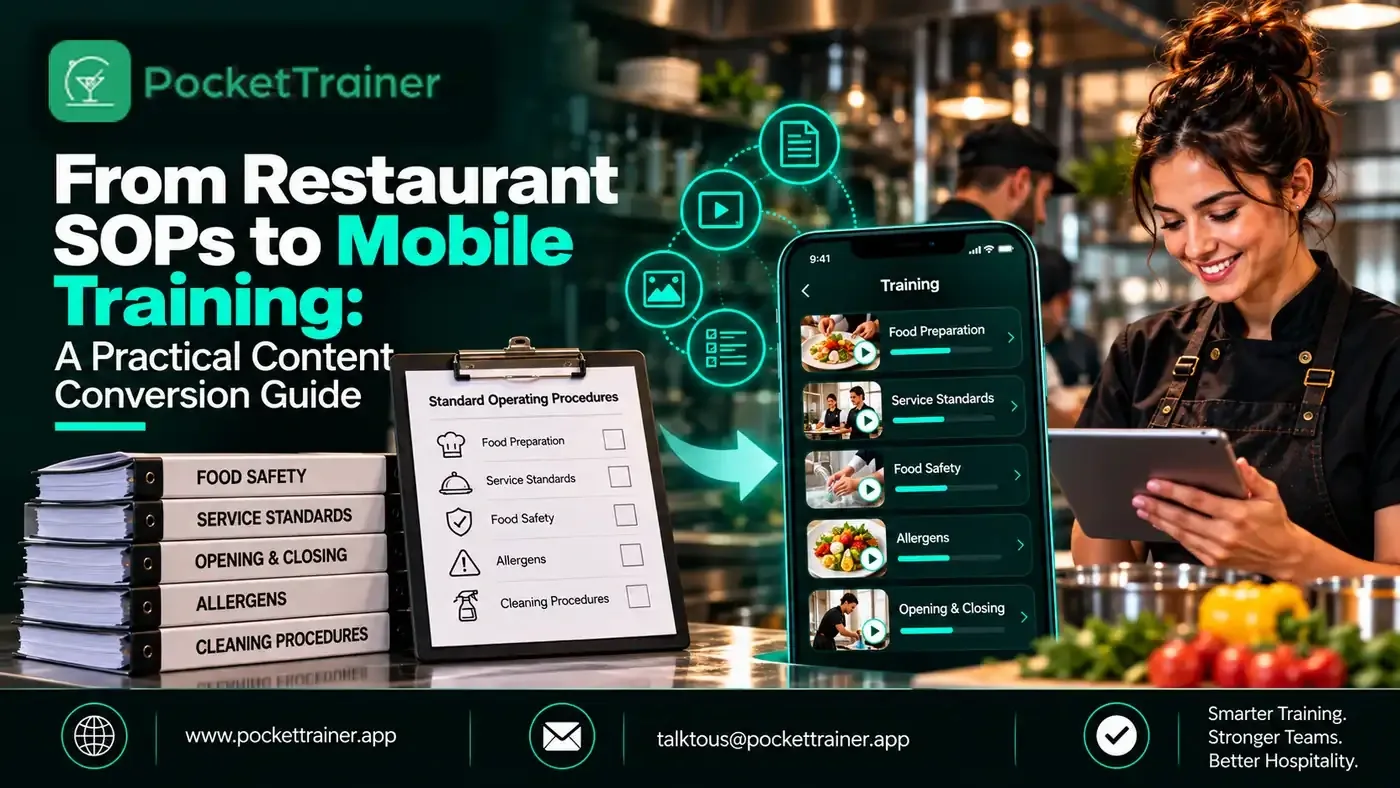
Restaurant SOPs often start as PDFs, folders of documents or instructions passed from one manager to another. That can work while one person knows exactly where everything is. It becomes harder to manage as teams grow, new sites open or procedures change between shifts.
Restaurant SOP training turns the procedures people already follow into learning that is easier to access, understand and update. The goal is not to replace operational knowledge, but to organise it so managers can communicate the standard clearly and team members can find the current version when they need it.
What Is Restaurant SOP Training?
Restaurant SOP training is the process of turning standard operating procedures into clear learning for the people who use them.
A procedure might cover an opening routine, allergen escalation, handover, cleaning task, menu change or guest-recovery process. The training should explain what to do, why it matters, where to find the latest version and when to ask for help.
The goal is not to turn every instruction into a long e-learning course. It is to make each procedure usable in the moment, while giving managers a practical way to reinforce the standard and check understanding.
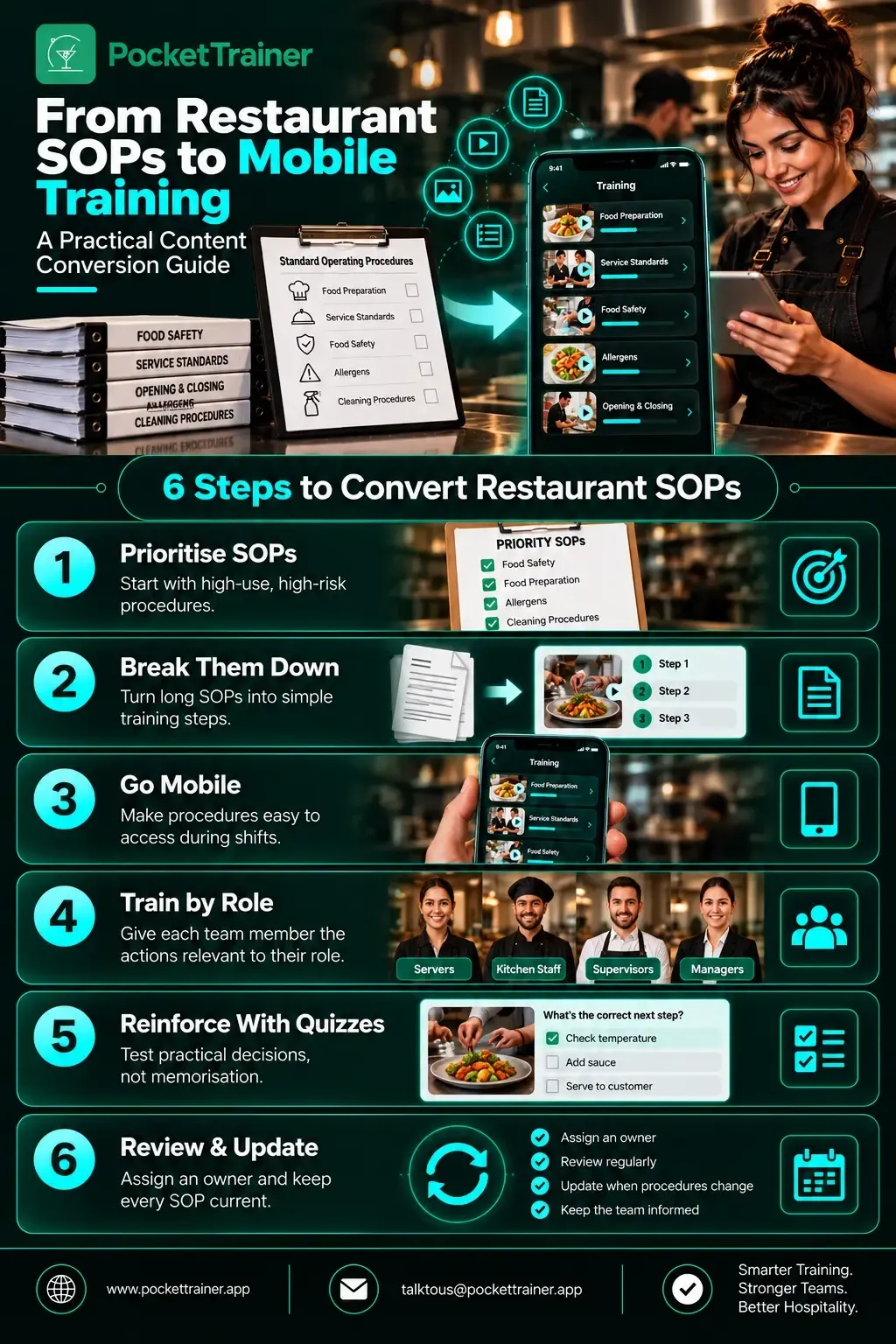
1. Start With the SOPs That Cause the Most Confusion
Do not digitise every document at once. Start with procedures that create repeated questions, inconsistent execution or avoidable manager follow-up.
For many restaurants, this could include:
- Opening and closing routines
- Food safety and cleaning procedures
- Allergen communication and escalation
- Menu knowledge and product changes
- Service recovery and complaint handling
This makes the first release practical. It also helps show the team that digital SOP training is designed to make work clearer, not simply add another document.
That supports a simple principle: training should reflect the actual work people do.
2. Convert One Long Procedure Into Smaller Training Moments
A printed SOP can combine several things in one document: who performs the task, when it happens, equipment needed, individual steps, exceptions and records.
That may be comprehensive, but it is not always easy to use during a busy shift.
When you digitise restaurant SOPs, separate the content into smaller units. One opening procedure could become:
- A short overview
- A task checklist
- A visual example
- An exception or escalation note
- A quick knowledge check
The person using it should be able to answer three questions quickly:
- What do I do?
- When do I do it?
- What do I do if something is not right?
SOP Conversion Rule
Keep the source procedure as the operational record. Build the mobile training around the decisions and actions a person needs to take.
This also makes updates easier. If an ingredient, cleaning product or service step changes, the relevant training can be updated without forcing the team to work through an entire manual again.
How Do You Turn an SOP Into a Training Module?
Choose one procedure and identify:
- The person responsible
- The trigger for the task
- The required actions
- Common mistakes
- The escalation route
Then write the content in plain language, add useful visual or document evidence and use a short quiz or manager discussion to confirm understanding.
The final training module should point back to the current SOP rather than becoming a competing version of it.
3. Make Mobile SOP Training Fit a Restaurant Shift
Mobile SOP training should be concise, searchable and relevant to the person’s role.
It is not about asking team members to complete lengthy material during service. It is about giving them access to the correct procedure before a task, during a quieter moment or when they need to check a detail.
Pocket Trainer can organise documents, videos, menu descriptions and checklists in one place, with courses and quizzes used to reinforce what the team needs to know.
For SOPs involving cleaning products or other hazardous substances, training should remain connected to the workplace risk assessment and control measures. HSE guidance explains that COSHH controls need to reflect the actual work and should be reviewed when circumstances change or the assessment is no longer valid.
That means mobile training should support the workplace procedure, not replace the underlying assessment or controls.
Bring your own compliance requirement and ask to see the completion record produced live, filtered by site and role.
Book a 15-minute demo4. Build the Content Around Roles, Not Departments Alone
“Front of house” or “kitchen” can be too broad for an SOP.
A procedure becomes more useful when the person can see exactly why it applies to their work. A head chef, chef, restaurant manager and waiter may all need to understand an allergen process, but each person can have a different responsibility.
Use four simple fields:
| Field | Question |
|---|---|
| Role | Who needs this procedure? |
| Trigger | When should they use it? |
| Action | What must they do? |
| Escalation | Who do they contact if something is unclear or wrong? |
This role-based approach keeps restaurant procedure training practical. It also helps managers identify where additional support is needed instead of repeating an entire document for everyone.
5. Use Quizzes to Reinforce, Not Replace, the Procedure
A quiz can be useful after a procedure has been introduced, especially for menu changes, allergens, cleaning steps or recurring operational issues.
The question should test a decision the person may actually face, rather than simply checking whether they memorised a sentence.
Pocket Trainer includes quizzes and AI quiz-generation features. Managers can use approved text, uploaded documents or menu content as a starting point, then review and edit questions before they are used.
That keeps the manager responsible for the final training material while making the quiz a practical follow-up to the SOP.
For a related example, see how to train restaurant staff on a menu without writing hours of quizzes. The same principle applies to SOPs: start with accurate source material, then use the knowledge check to reinforce the decisions that matter.
6. Give Every SOP an Owner and Review Date
Digitising a procedure is not a one-time project.
Menus change, equipment is replaced, site layouts change and managers discover where a process is unclear. Every SOP should therefore have an owner who can confirm when it was last reviewed and who needs to know when it changes.
Use a Simple Review Process
- The owner confirms that the source SOP is current.
- The relevant mobile training is updated to match it.
- Managers tell the affected team what has changed.
- A short check or discussion confirms the key point has been understood.
- The owner records the review date and plans the next check.
This is particularly important for procedures connected to food safety, allergens and COSHH.
HSE guidance says COSHH assessments should be reviewed regularly and when circumstances change significantly, particularly where those changes could affect exposure or the effectiveness of controls.
What Should a Restaurant Digitize First?
Start with SOPs that are:
- High-frequency
- High-risk
- Frequently explained by managers
For many operations, that means opening and closing procedures, allergen communication, food safety steps, cleaning routines, menu changes and service-recovery standards.
Once the first set is being used successfully, managers can add less frequent procedures in priority order.
The value of restaurant SOP training is not the number of documents uploaded. It is whether the right person can find the current standard, understand the required action and use it consistently when the shift gets busy.
Final Thoughts
Moving from restaurant SOPs to mobile training is not simply a document-upload exercise.
Start with the procedures that matter most, break them into practical learning moments, assign them to the right roles and give every SOP a clear owner. Then keep the training aligned with the current operational standard.
Bring your own compliance requirement and ask to see the completion record produced live, filtered by site and role.
Book a 15-minute demoFAQs
What is restaurant SOP training?
It is the process of turning operational procedures into accessible training that helps restaurant staff understand and apply the required standard.
Which restaurant SOPs should be digitised first?
Start with procedures that are frequently used, create repeated questions, carry higher operational or safety risk, or are repeatedly explained by managers.
How do you convert an SOP into mobile training?
Break the procedure into the role, trigger, actions, common mistakes and escalation route, then use concise learning content and a knowledge check.
Who should own restaurant SOP updates?
Each SOP should have a clearly assigned owner who is responsible for checking the source procedure, updating related training and communicating important changes.
Does mobile training replace restaurant SOPs?
No. The operational SOP should remain the source of truth. Mobile training should make the procedure easier to understand, access, reinforce and track.