
How to Brief a Training Content Designer: A Practical Guide for L&D Managers
By Janos Laszlo
- training content brief
- instructional design brief
- L&D content
- learning and development
- training content
- hospitality L&D
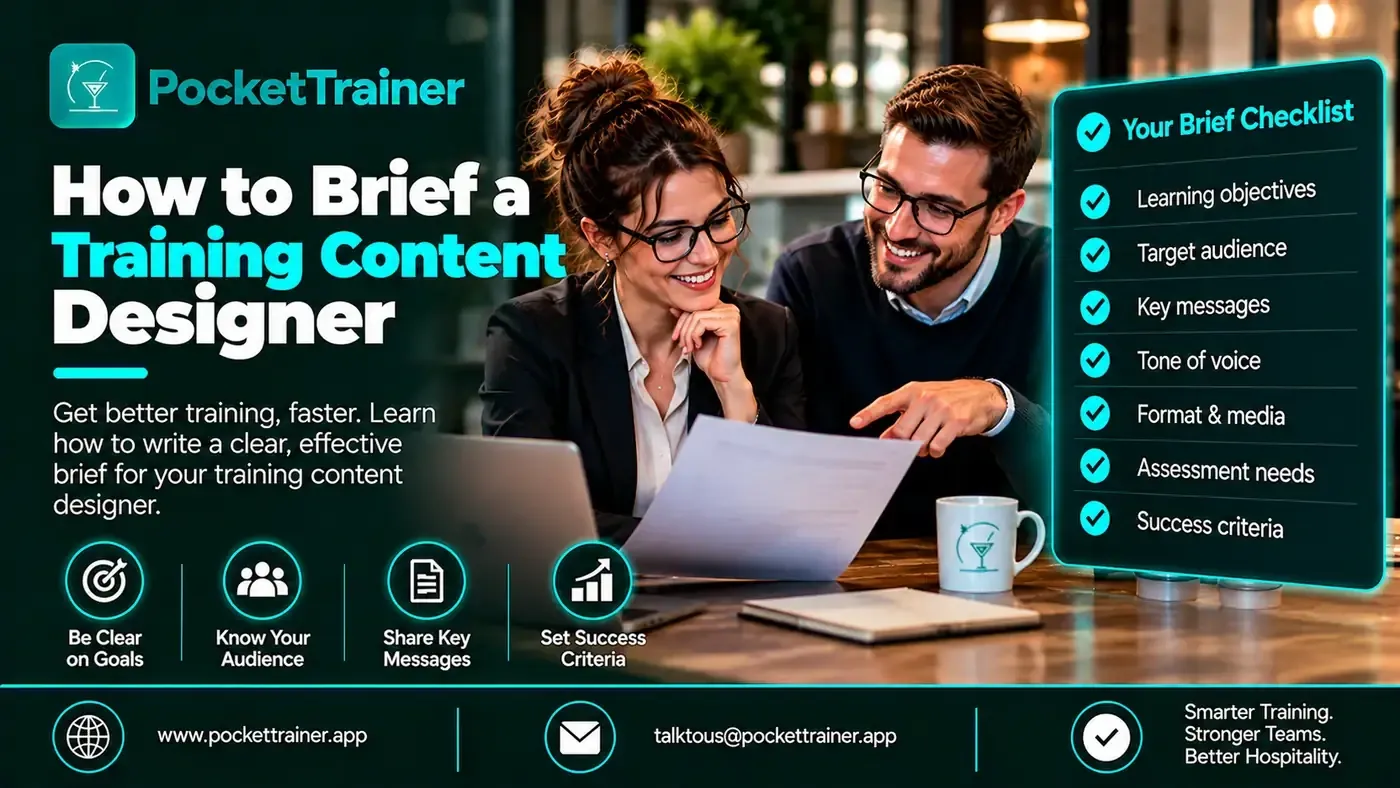
The most valuable skill an L&D manager has is not building a course. It is directing one. A clear brief is what turns raw knowledge into training that looks right, teaches well and comes back needing almost no rework. A vague brief is what causes three rounds of revisions and a result nobody is happy with.
This is a practical guide to briefing a training content designer well, written from the production side, the things that let a content team get straight to work, and the gaps that quietly cause delay. Whether you brief an in-house designer or an external team, the same principles apply.
When evaluating Hospitality Training Software, it is worth considering not just the tools available, but how easily your team can turn its existing knowledge and materials into effective training content.
Why the Brief Is the Job
When content production goes wrong, it is rarely because the designer lacked skill. It is almost always because the brief left them guessing. A designer who has to guess the look, extract your brand colours from your website by hand, or untangle a PDF into editable text before they can even start, burns hours before any real work begins, and much of what they produce then goes through avoidable revision rounds.
A good brief front-loads all of that. It is the difference between a course that comes back close to right the first time and one that bounces back and forth for weeks. Getting the brief right is the L&D team’s real contribution, and it is a skill worth taking seriously.
For a wider look at how specialist production can support your internal team, see our custom training content service.
What Makes a Good Training Content Brief?
A good training content brief tells the designer the objective, the audience, the tone, the look, and supplies the source material in a usable form. It states what the course is about, what must be covered, and who it is for, so the content is pitched correctly. It makes the visual direction clear, whether to follow brand guidelines exactly or whether the designer has creative freedom, and points to the brand’s website or social profiles for reference. And it provides the raw material, existing manuals, photos, SOPs and menu information, in editable formats. A brief that covers these lets the team start immediately; one that leaves them guessing causes rework.
Start with Intent, Audience and Scope
Before anything else, a designer needs to know what the course is for and who will take it. Be clear on the objective, what the learner should know or be able to do afterwards, and the scope, how broad or narrow the course is. State the format you want, PDF, video, or both, and the rough length.
Audience is the part that most changes the writing, and it is often left out. Tell the designer who is actually taking this. A course for commis chefs or waiters whose first language is not English needs to be written in simple, clear terms, and the team can only do that if they know. “Our floor team, many of whom speak English as a second language” is a more useful line than any amount of detail about the topic.
Be Explicit About the Look
The visual direction is where a lot of rework is born, and it is easily avoided. Tell the designer one of two things: either follow your brand guidelines exactly, or you are open to a design that moves away from your brand and trust the designer’s judgement. Both are fine. What causes problems is leaving it unsaid, so the designer guesses and you react.
If you want brand-exact work, provide the brand guidelines and the actual brand assets up front, logos, fonts, colours. Without them, a designer ends up extracting your brand elements manually from your website with workarounds, which takes far longer and still goes through more revision rounds than if you had simply sent the files. A quick, powerful shortcut: point the designer to your website and Instagram so they can get a feel for your visual identity before they start.
Your L&D team should be directing the content, not spending hours building it. Bring one of your existing SOPs and see how we turn it into a finished course using your own material:
Book a 30-minute demoSend the Right Source Material, in the Right Format
The brief is only as good as the material behind it. The most useful things to send, in order:
- Existing manuals, because they show your house style and how your materials usually look, which a designer can match.
- Photos, which can go straight into the file so the visuals are genuinely yours rather than generic stock. Keep them organised so the designer is not hunting through a dump of images.
- SOPs, menu information and any existing training, as the raw content.
For more on preparing operational procedures as training resources, see our guide to mastering SOPs in the food industry.
One format rule matters more than people expect: anything that will be used as actual content in the file should be sent in an editable format, Word, Excel or PowerPoint. Content supplied as a PDF has to be converted first, and even then the text often comes out with formatting problems that take time to fix before it displays correctly. And always include the original source files, so the team can edit and copy from them cleanly.
When the course will be a video, there is one more thing worth preparing, and it is the single most useful thing you can give a video editor. Provide a structured script that splits each section into three parts: the voiceover (what is spoken), the on-screen text (what appears on screen), and visual ideas (suggested B-roll, graphics or animations). That structure gives the editor clear direction and lets production start without confusion or unnecessary back-and-forth.
Keep video scripts tight. Scripts that run too long produce videos of three or four minutes or more, which are hard to keep people engaged with, and the editor then has to shorten the voiceover, restructure the script and split the content into two chapters. Deciding the ideal video length and chapter structure up front saves that rework. The simplest rule: share the voiceover script first, since it is the starting point of video production, and keep each chapter concise. Real footage from your own restaurant also makes a training video far more relatable, so staff feel connected to content that is visibly theirs rather than generic stock.
What if you have nothing written down? That is common and not a problem. When a client has no existing material, the content has to come from the people who hold the knowledge, so the best next step is a recorded session with one or more of your experts, your head chef, bar manager or sommelier, to pick their brains. Without that, the content team is second-guessing, and second-guessing is what a good brief exists to prevent.
Agree Who Signs Off, and When
A brief should also set expectations for approval, because content production runs in stages and each stage needs a decision. In practice the work moves from an agreed outline, to written content for approval, to the design or video stage. Knowing up front who will review and approve, and that feedback will be consolidated and given in writing rather than scattered across calls, keeps the whole thing moving.
A few habits make approvals painless. Discuss the script with the editor or designer before production starts, rather than after. Ask for a small sample first, a few pages or one short video section, and give feedback on that before the whole course is built, which catches direction problems early instead of late. Give feedback in one consolidated set of clear, specific notes rather than drip-feeding reactions, and be specific: “make the tone warmer” is hard to action, “this reads too formal for our floor team, loosen it up like this example” is easy. Vague, subjective feedback is one of the biggest causes of delay. For video especially, a review tool that collects time-stamped comments in one place keeps feedback precise and the approval fast.
A Quick Brief Checklist
Before you send a course to a designer, make sure the brief answers:
- What is the objective, and who is the audience?
- What format and roughly what length?
- Brand-exact, or designer’s creative freedom?
- Are the brand guidelines, logo, fonts and colours attached?
- Is the website or Instagram linked for visual reference?
- Is the content in an editable format, with original source files?
- Are the photos included and organised?
- If it is a video, is there a script split into voiceover, on-screen text and visual ideas, with the length and chapter structure agreed?
- Are any existing course or video references shared for direction?
- Who signs off, and by when?
If you can answer all of those, you have given the team everything it needs to get it right the first time.
For another perspective on turning training material into practical learning, read how to train restaurant staff on a menu without writing hours of quizzes.
See Training in Practice
For a wider look at how hospitality teams approach training for a changing workforce, watch Training the New Age Workforce: Dubai Restaurant Week 2024.
The Takeaway
Briefing is the L&D team’s real skill, and a good brief is what separates content that comes back right from content that bounces through revision after revision. Be clear on the objective, the audience and the tone, make the visual direction explicit, and send your source material, especially brand assets and photos, in editable formats with the originals included. Where you have nothing written, record your experts rather than leaving the team to guess. Direct the content well, and the production takes care of itself.
Want to see how a good brief becomes a finished course? Bring one SOP and see how we turn your content into a ready-to-use course:
Book a 30-minute demoFrequently Asked Questions
What should a training content brief include?
A training content brief should explain the course objective, target audience, scope, preferred format and approximate length. It should also clarify the visual direction, provide brand guidelines and assets, and include source materials such as manuals, photos, SOPs and menu information in editable formats.
Why is a clear brief important when working with a training content designer?
A clear brief helps the designer understand what is required before production begins. It reduces guesswork, prevents avoidable revisions and helps the course come back closer to the expected result the first time.
What source materials should I send to a training content designer?
Send existing training manuals, organised photos, SOPs, menu information and other relevant training materials. Include original source files in editable formats such as Word, Excel or PowerPoint, along with brand guidelines, logos, fonts and colours where relevant.
What if we do not have existing training materials?
Arrange a recorded session with the people who hold the relevant knowledge, such as your head chef, bar manager or sommelier. The content team can use that discussion to understand the subject and develop the training material without having to guess.
How can I make the training content approval process faster?
Agree who will review and approve the content before production starts. Review an outline or small sample first, then provide one consolidated set of clear, specific feedback. For video projects, time-stamped comments can help make feedback more precise and easier to action.